


Bandicam screen recorder makes it possible to record a certain area on a PC screen, or a program that uses the DirectX/OpenGL graphic technologies.
Bandicam will help you carry out a video record with high compression ratio, while keeping the video quality closer to the original work, and provides performance far superior to other programs with similar functions.
- has a Hungarian and a Slovenian version, you have to select the language you want when installing
- has a free version and the interface is not too complicated
- you can capture different parts of the screen
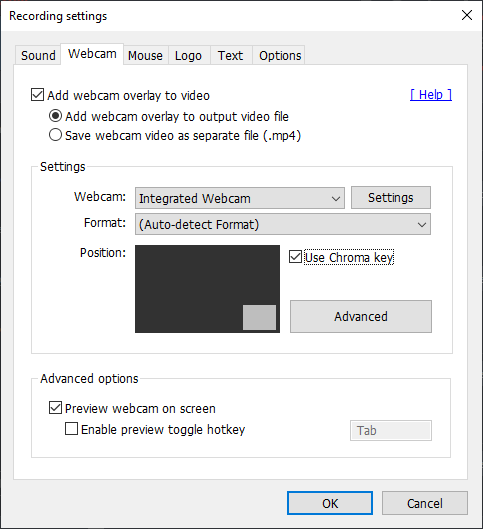
- you can also record the webcam of the presenter on the screen to make the video more personal
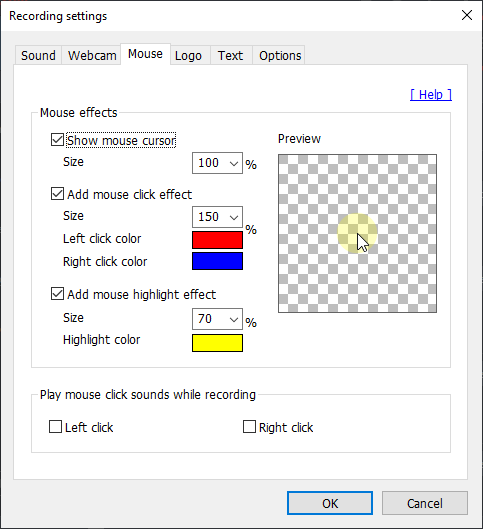
- the mouse cursor on the recorded video can be highlighted, scaled and coloured
- the recording can even be started with a delay
- there are shortcuts for different functions, which can be changed individually
- the recorded file size is much smaller than in the case of other softwares (compresses the video when recording)
- you will experience much less lag than other game capture software (It uses much lower CPU/GPU/HDD)
- the free version can record at most 10 minutes
- the free version includes the Bandicam watermark
The app makes it easy to create video lessons. There are custom settings available, however, you can also easily work with the default settings.
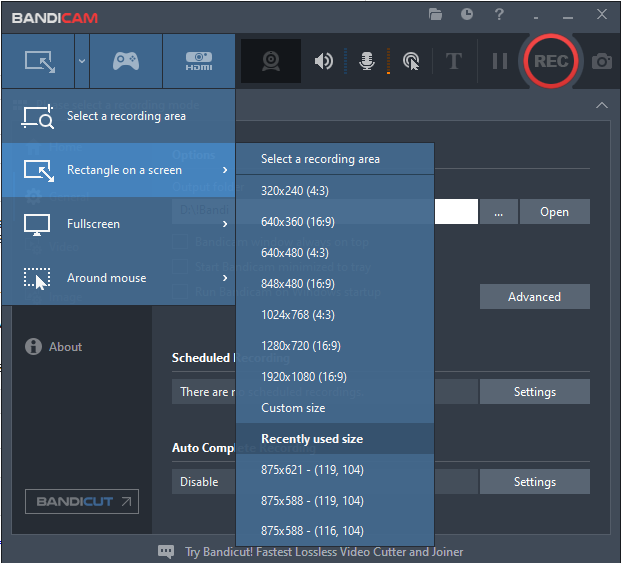
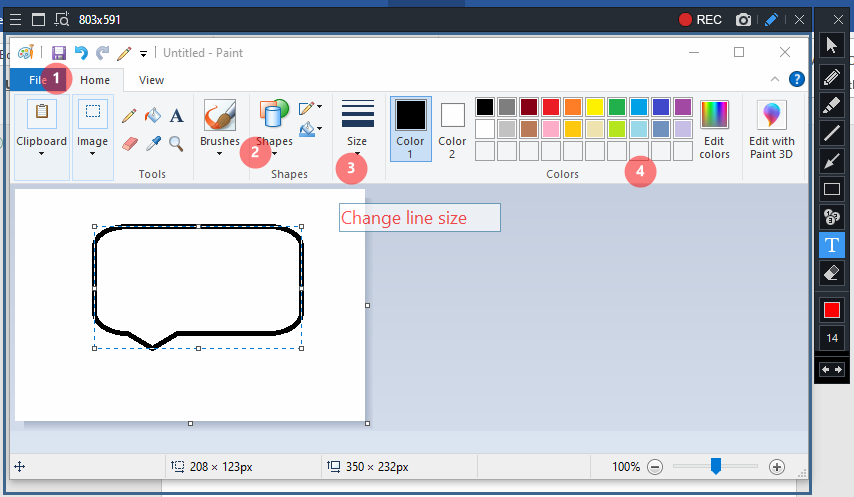
You can choose to record the whole screen or just a specific part, and you can easily resize the window to record only what you want.
It can also capture webcam footage and merge it with the screen capture (picture in picture, video in video).
You can also highlight the mouse cursor and mouse click, and draw on the screen in real time while recording video, or even write text on it.
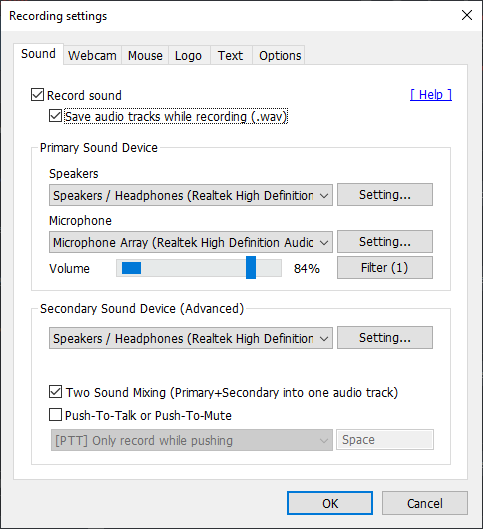
If you wish so, you can even record your own voice alongside the sound played by the computer.
Press the REC button in the top right corner to start recording the video.
The recording can also be saved in AVI or MP4 format, and you can record your own audio track on the video.
Bandicam Tutorials, How-To https://www.bandicam.com/how-to/
Bandicam Company Youtube Channel videos https://www.youtube.com/c/bandicam/videos